How to Post to TikTok, Instagram, Facebook, and YouTube at the Same Time
Cross-posting manually is the dumbest tax in marketing. Here's how to post once and publish everywhere — properly formatted for each platform.
How to Post to TikTok, Instagram, Facebook, and YouTube at the Same Time
If you're still copy-pasting captions between Facebook, Instagram, TikTok, and YouTube, you're spending 30 minutes per post on a task that should take 30 seconds. Worse, you're probably doing it wrong — each platform has different aspect ratios, character limits, hashtag norms, and posting times.
This guide walks through the right way to cross-post in 2026: one source, all platforms, properly formatted, scheduled at the right times.
Why cross-posting is harder than it looks
The naive version: write a caption in Notes, copy to Instagram, copy to Facebook, copy to TikTok, hand-format the video for each.
The problems:
- Aspect ratios differ. TikTok and Reels want 9:16. YouTube long-form wants 16:9. Facebook is flexible but punishes vertical-only on feed.
- Caption limits differ. TikTok caps at 2,200 chars but the first 100 are what shows. Instagram is similar. Facebook allows much longer.
- Hashtag culture differs. Instagram rewards 5–10 niche hashtags. TikTok rewards 3–5. Facebook hashtags barely matter. YouTube uses tags, not hashtags.
- Best posting times differ. TikTok peaks at 6–10pm. Instagram at 11am–1pm. Facebook in the morning. YouTube in the evening.
- Tags and links work differently. Instagram blocks links in caption. TikTok wants link in bio. YouTube wants links in description.
Doing all of this manually = drift = posts that flop on every platform.
The Tenably AI approach: one source, smart formatting
Here's how it works:
- Create one piece of content — a video from AI Video Studio or a graphic from Image Studio or a generated Daily Image Post.
- Write one master caption. Tenably AI auto-generates this if you're stuck.
- Click publish. The platform automatically:
- Trims the caption to fit each platform's optimal character count
- Re-orders hashtags per platform norms
- Reformats the video to the right aspect ratio
- Schedules each post for that platform's peak time
- Adds appropriate links (in-bio for Instagram, in-description for YouTube)
You wrote it once. It published five times correctly.
Aspect ratios cheat sheet
In case you're handling this manually somewhere else:
| Platform | Format | Aspect Ratio | Length |
|---|---|---|---|
| TikTok | Vertical video | 9:16 | 7s–10min |
| Instagram Reels | Vertical video | 9:16 | 3s–90s |
| Instagram Feed | Square or vertical | 1:1 or 4:5 | n/a |
| YouTube Shorts | Vertical video | 9:16 | up to 60s |
| YouTube Long | Horizontal | 16:9 | any |
| Facebook Feed | Flexible | 1:1 preferred | n/a |
| Facebook Stories | Vertical | 9:16 | up to 26s |
| X (Twitter) | Horizontal | 16:9 | up to 2:20 |
Tenably AI handles all of this automatically.
Best posting times (2026 data)
Tenably AI's smart scheduler uses real engagement data per account, but the platform-wide averages for North America:
- TikTok: Tue–Thu, 6pm–10pm local
- Instagram Feed: Mon–Fri, 11am–1pm
- Instagram Reels: Tue–Thu, 9am–12pm or 7pm–9pm
- Facebook: Tue–Fri, 9am–12pm
- YouTube Shorts: Daily, 12pm–3pm or 7pm–10pm
- YouTube Long: Sat–Sun, 12pm–4pm
- X: Mon–Fri, 8am–10am
The smart scheduler over-rides these with what's actually working for your audience after a few weeks of data.
Captions: write 1, get 5
A common pattern in Tenably AI: you write one master caption ("Loving how this Bible story video turned out — comment your favorite story and I'll make it next 🙏"). The system generates platform-specific variants:
- Instagram (with niche hashtags): "Loving how this Bible story video turned out 🙏 Comment your favorite story and I'll make it next. #biblestories #faceless #christiancontent #shorts #reels #faith"
- TikTok (shorter, trend-aware): "comment your favorite Bible story and I'll make it next 🙏 #biblestories #faceless #christiantiktok"
- Facebook (longer, conversational): "Putting these Bible story videos together has been such a joy — there's something powerful about hearing a story you've heard a hundred times told fresh. Drop your favorite in the comments and I'll feature it in next week's video."
- YouTube Shorts: "Comment your favorite Bible story and I'll make it next!"
- X: "comment your favorite Bible story 🙏"
Same idea, optimized voice for each platform.
Tracking which platform actually wins
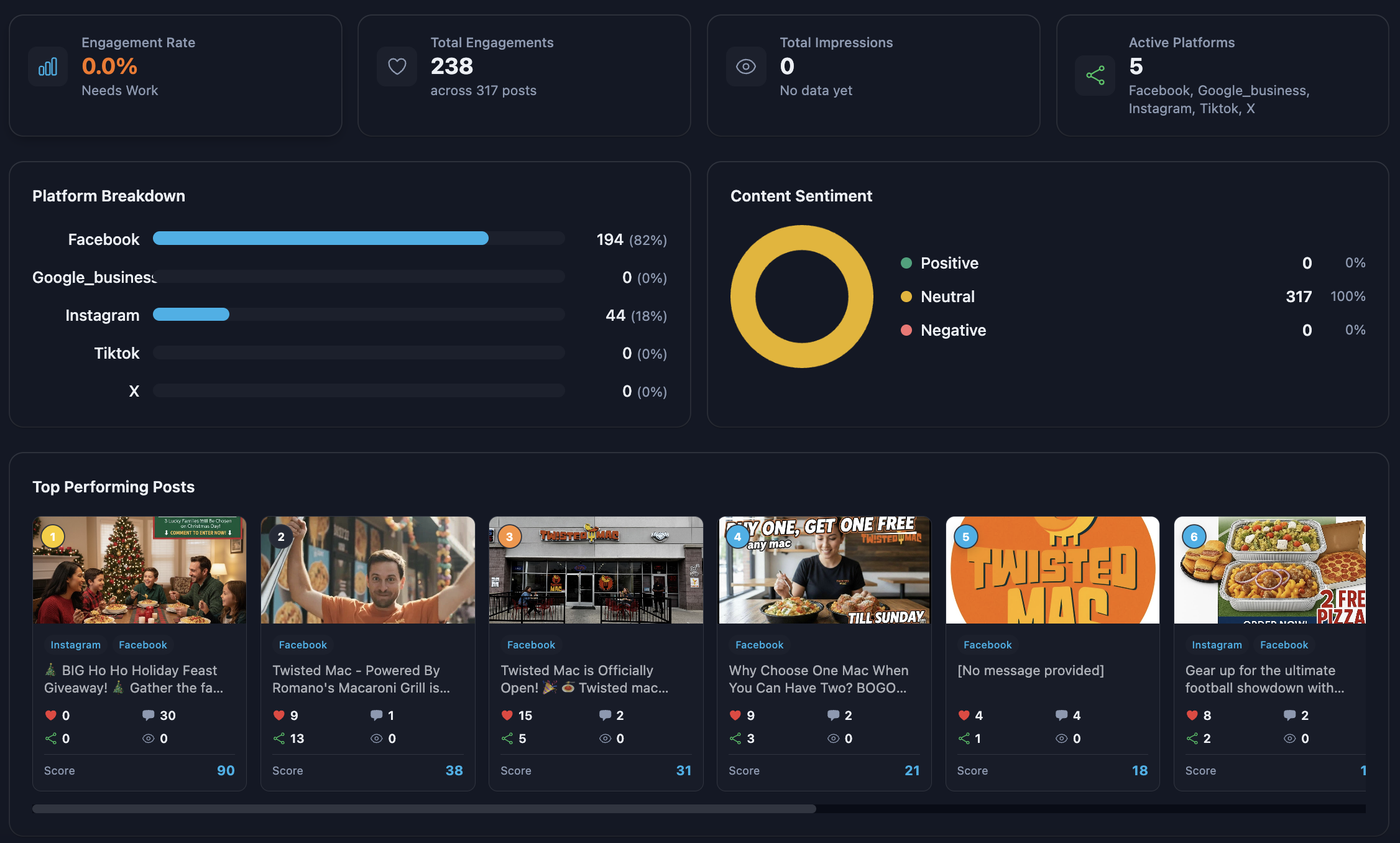
Social Analytics in Tenably AI shows engagement, impressions, and growth across all four platforms in one dashboard. Most businesses are surprised when they see the data — usually one platform is doing 70% of the work and they didn't know.
That insight tells you where to invest more energy (and where to keep auto-publishing on autopilot).
Try cross-posting
Tenably AI writes the posts and captions from $24/mo; auto-posting to every connected platform and Social Analytics are on Pro ($49.99/mo). Cancel anytime.
More in Social Media
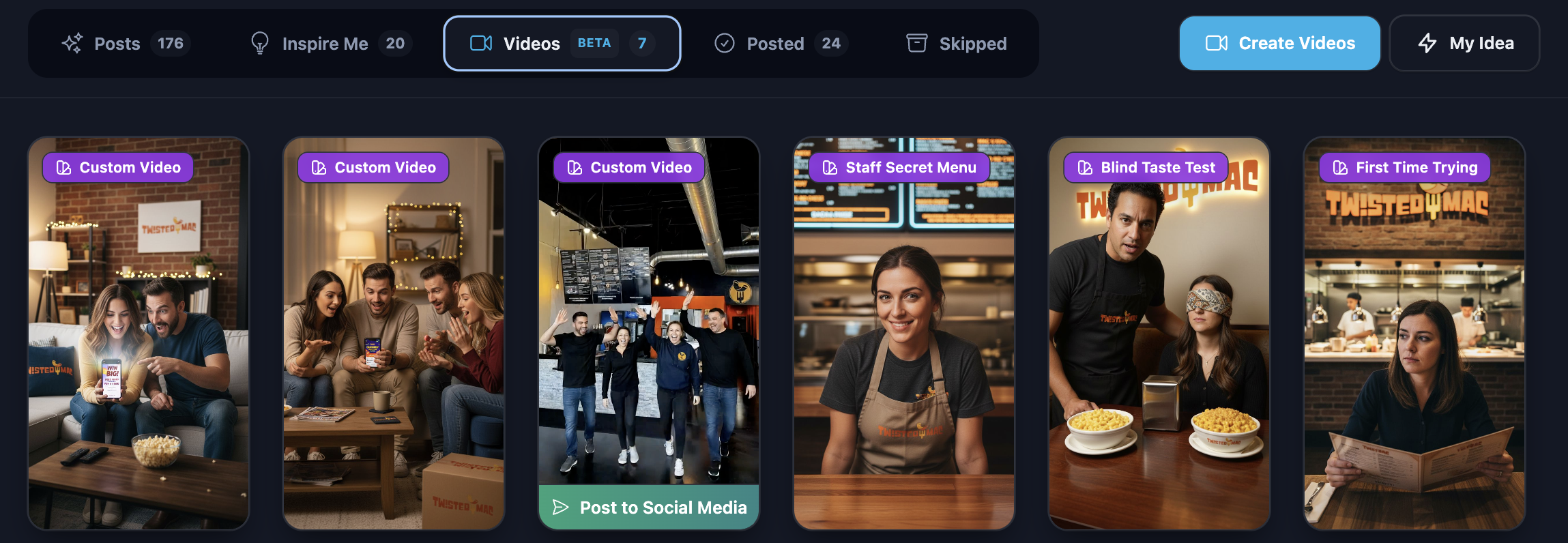
How to Automate Instagram Reels, Stories, and Posts with AI
A practical 2026 workflow for posting daily Reels, Stories, and feed content on Instagram — without burning out or hiring an agency.
How to Grow a Facebook Page in 2026 with AI-Generated Content
Facebook is still where the buying power is. Here's how to grow a Page with AI — Reels, posts, groups, and Messenger — without burning hours.
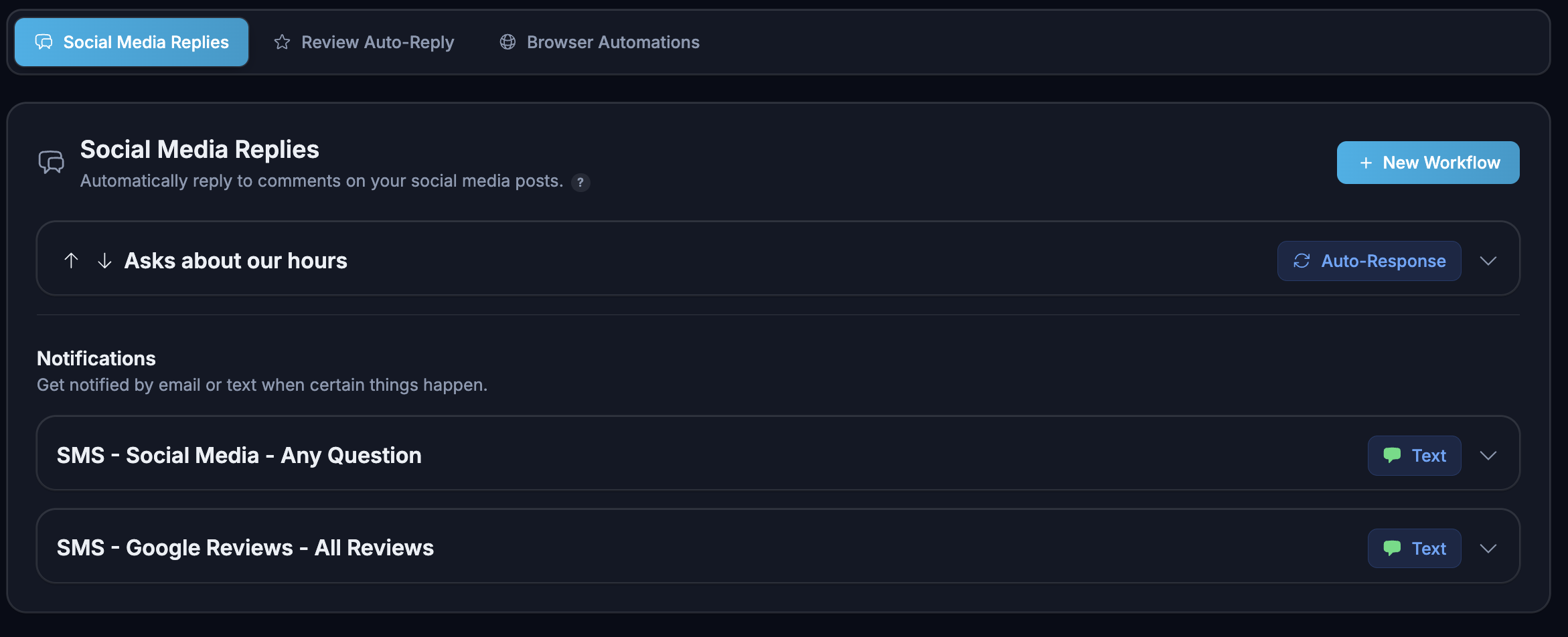
How to Reply to Every Social Media Comment Automatically (24/7, Without Hiring)
Auto-replying to comments isn't about saving time — it's the cheapest algorithm hack on every platform. Here's how to set it up.