How to Reply to Every Social Media Comment Automatically (24/7, Without Hiring)
Auto-replying to comments isn't about saving time — it's the cheapest algorithm hack on every platform. Here's how to set it up.
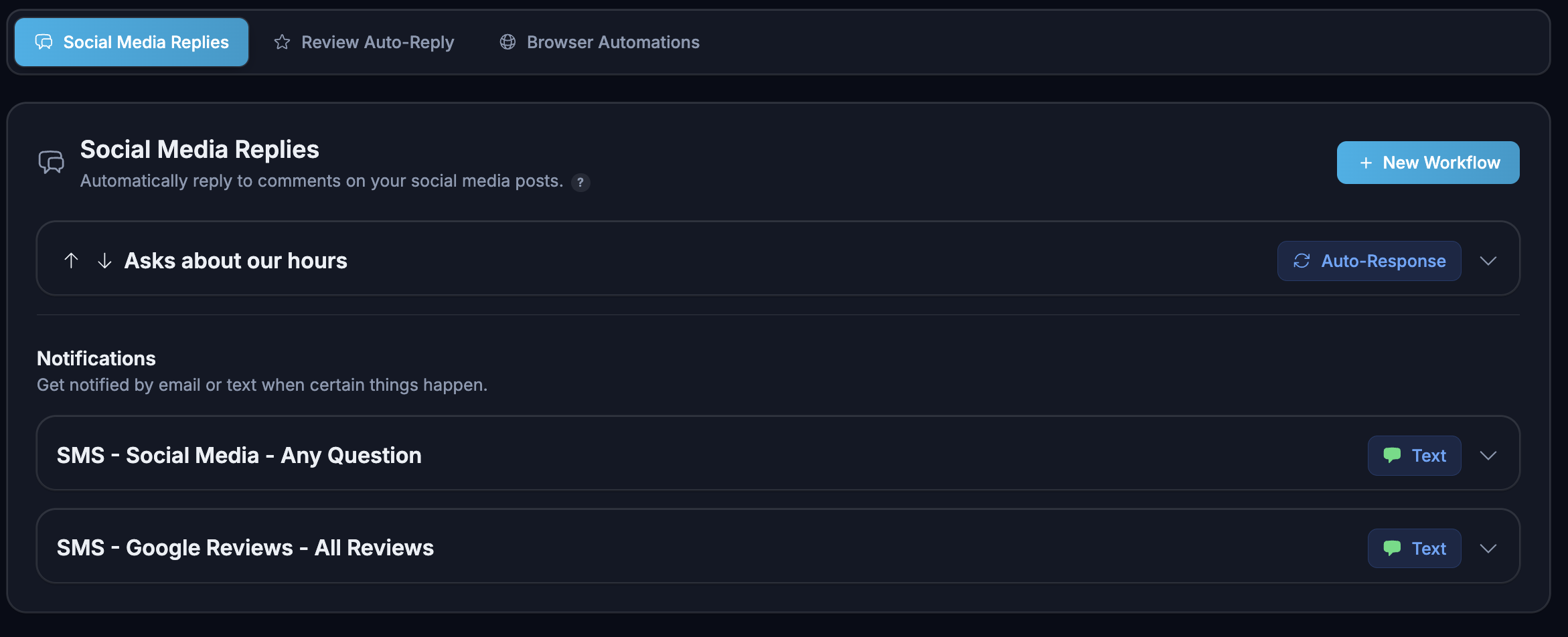
How to Reply to Every Social Media Comment Automatically (24/7, Without Hiring)
There's a quiet trick that big creators use and small businesses miss: comment volume drives reach. Every major platform — Instagram, TikTok, Facebook, YouTube — uses comment count and reply rate as a ranking signal. The post with 200 comments gets pushed to 100x more people than the post with 5.
If you're not replying to comments, you're not just being rude — you're throwing away free distribution.
The problem: nobody has time to babysit comment sections across 4 platforms at 11pm. The fix: an AI that does it for you, in your brand voice, 24/7. Here's how to set it up.
Why comments matter more than likes
Likes are cheap. The algorithm knows that. A "like" is a thumb-tap; a comment is a paragraph the user typed out, which means they cared enough to put effort in. Platforms weight that effort heavily.
When a user comments and you reply quickly:
- The platform sees a conversation, not just a broadcast
- The user gets a notification, often re-opens the app, and the post gets re-served
- Other users seeing an active comment thread are 3–5x more likely to comment themselves
- Your reply rate becomes a public signal that you're a "responsive" account
This is why the same exact post can get 500 views on a dead account and 50,000 on an active one.
The "first comment" trick
Big creators drop a strategic first comment on their own post within 60 seconds of publishing. It's not random. It does three things:
- Seeds the comment count so the post doesn't look empty
- Adds a hook — a question, a hot take, a CTA — that pulls more comments
- Boosts watch-time because users pause to read it
Doing this manually across daily posts on 4 platforms is impossible. Tenably AI's Auto-Reply Engagement drops a strategic first comment on every post automatically — and tunes the comment style to your brand.
Setting up auto-reply with Tenably AI
The setup takes about 5 minutes once you've connected your accounts:
- Connect your platforms — Facebook, Instagram, TikTok, YouTube, X. Tenably AI uses official APIs, so this is a one-click OAuth flow.
- Set your brand voice — friendly, professional, witty, etc. The AI uses this to tune every reply.
- Choose what to auto-reply to — all comments, only positive, only questions, only mentions. Most businesses start with "all positive + questions."
- Set escalation rules — if a comment looks like a complaint, route it to your inbox or trigger an SMS alert. You handle the hard stuff; AI handles the rest.
- Turn it on. That's it.
What auto-reply actually looks like
Some real examples from Tenably AI accounts:
User: "Looks amazing 😍" AI: "Thank you so much! 🙌 We love putting these together — what's your favorite part?"
User: "Where can I buy this?" AI: "So glad you asked! Link is in our bio — happy to answer any sizing or shipping questions there."
User: "Do you ship to Canada?" AI: "Yes we do! Canadian orders typically arrive in 5–7 business days. DM us if you'd like a tracking link."
The replies are specific, on-brand, and ask follow-up questions — which is exactly what the algorithm rewards.
What about negative comments?
This is the right question to ask. The rule we recommend: AI handles the easy 80%, you handle the hard 20%.
In Tenably AI, negative or sensitive comments are auto-flagged. You can:
- Get an instant SMS alert
- See a prioritized "needs your eyes" queue in Review Management
- Have the AI draft an empathetic response that you approve before it sends
That way the auto-reply system never says something tone-deaf, and you never miss a complaint.
How much reach you actually gain
Internal Tenably AI data across small business accounts that turned on Auto-Reply Engagement for 60 days:
- +38% average reach per post
- +72% comment volume (because reply notifications pull users back)
- +19% follower growth in the same window
- 0 hours/week added to the owner's workload
The platforms aren't subtle about this. They want active conversations and they reward accounts that have them.
Combine it with a "Daily Image Posts" cadence
Auto-reply only matters if you're posting. Pair it with Daily Image Posts — Tenably AI generates scroll-stopping quote cards and image posts daily, scheduled a month at a time. Channels that post daily earn up to 3x the reach of weekly posters. Add auto-reply on top, and you compound the effect.
Try it
Auto-Reply Engagement is included in every Tenably AI plan. Plans from $24/mo, cancel anytime.
More in Social Media
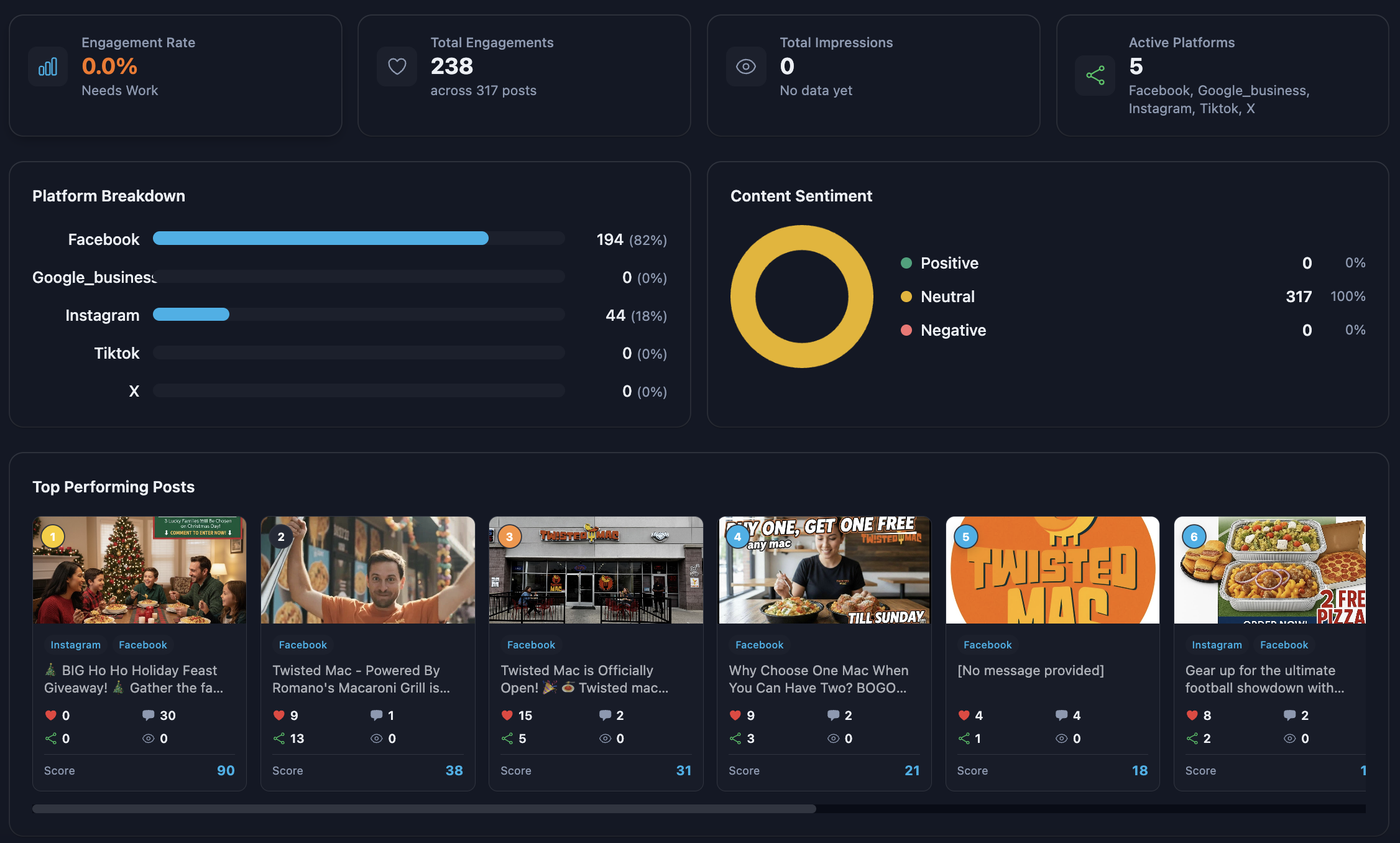
How to Post to TikTok, Instagram, Facebook, and YouTube at the Same Time
Cross-posting manually is the dumbest tax in marketing. Here's how to post once and publish everywhere — properly formatted for each platform.
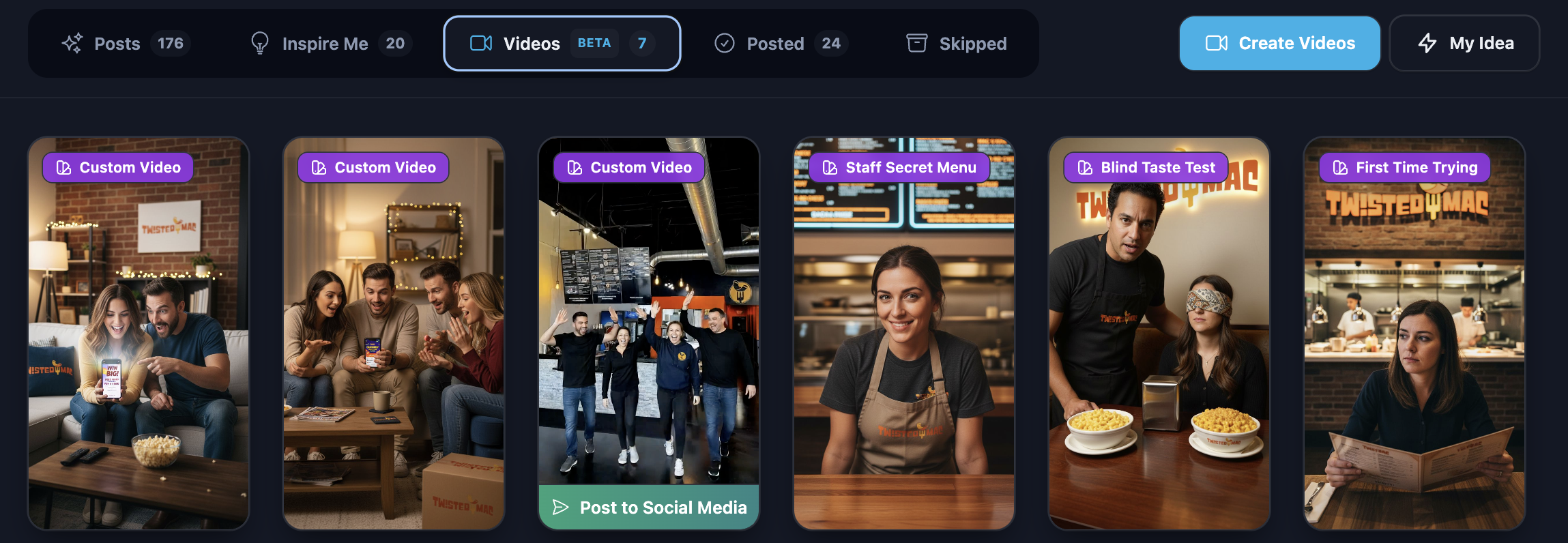
How to Automate Instagram Reels, Stories, and Posts with AI
A practical 2026 workflow for posting daily Reels, Stories, and feed content on Instagram — without burning out or hiring an agency.
How to Grow a Facebook Page in 2026 with AI-Generated Content
Facebook is still where the buying power is. Here's how to grow a Page with AI — Reels, posts, groups, and Messenger — without burning hours.